01
Pick your photos
Use a clear, well-lit photo with one adult in frame. For a duet, add a separate photo for each person. Keep your face visible and leave a little room around it.
THE RAINDANCE AI TREND
How to make a Raindance AI video: prepare your photos, generate a golden-hour pier clip, then add the sound. Make your video right on this page.
Use a clear, well-lit photo with one adult in frame. For a duet, add a separate photo for each person. Keep your face visible and leave a little room around it.
Choose Solo or Duet, pick the golden-hour pier, and generate your free 5-second preview. Watch it here and download the MP4 when it is ready.
Upload your clip to TikTok or Reels. Choose “Raindance” by Dave and Tems from the in-app sound library where available, align the audio, and label your post as AI-generated.
STEP 02 / YOUR TURN
One adult per photo. Clear face, good light, no sunglasses or mirror selfies.
One free preview per browser / 24 hours. Daily capacity is limited.
No card, subscription, or app download.
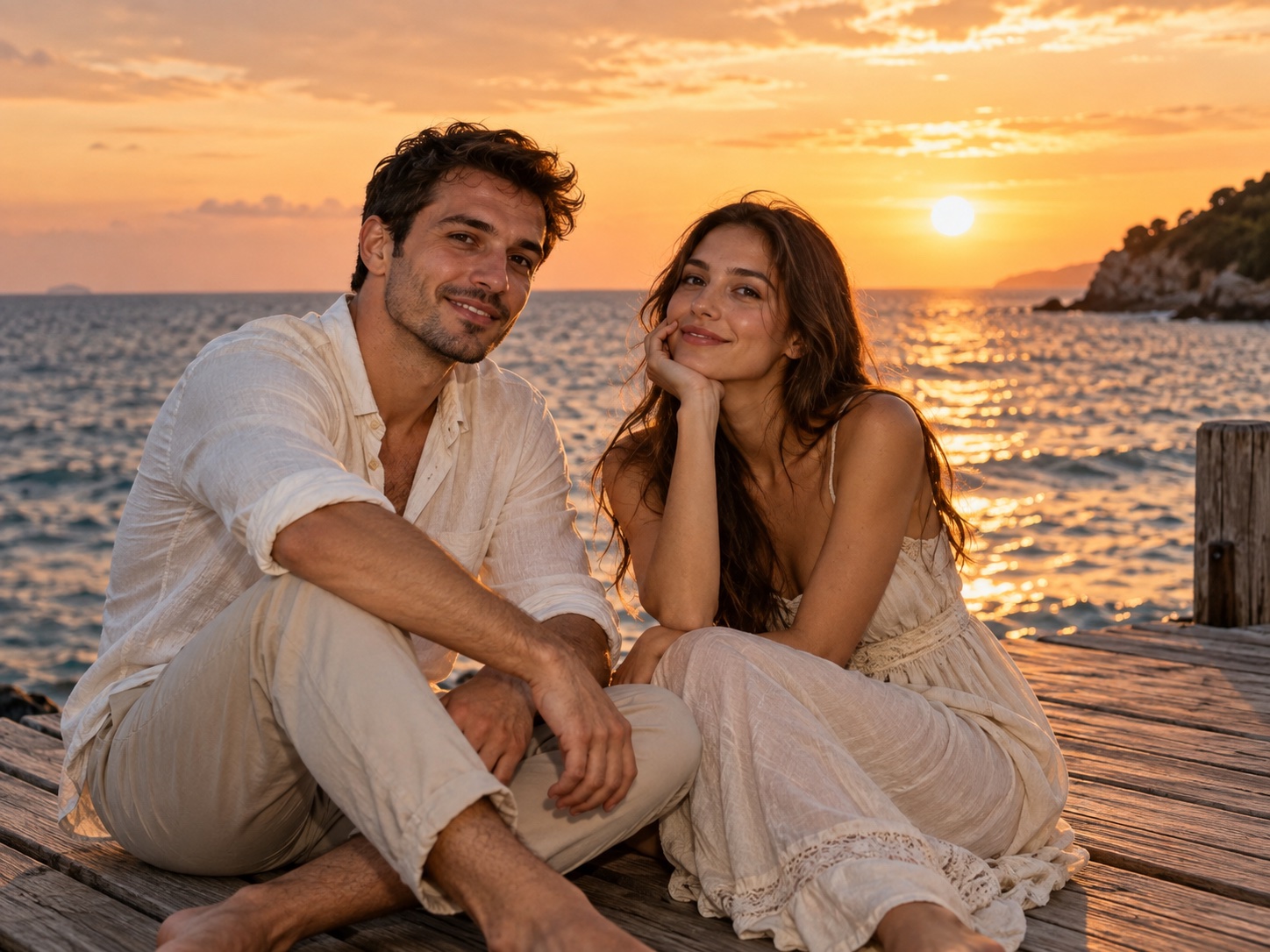
Style preview · fictional AI characters
Your generated video will appear here.
Add the sound when you post.
Your clip is silent. Use “Raindance” from TikTok or Reels’ sound library.
THE GOLDEN-HOUR LOOK
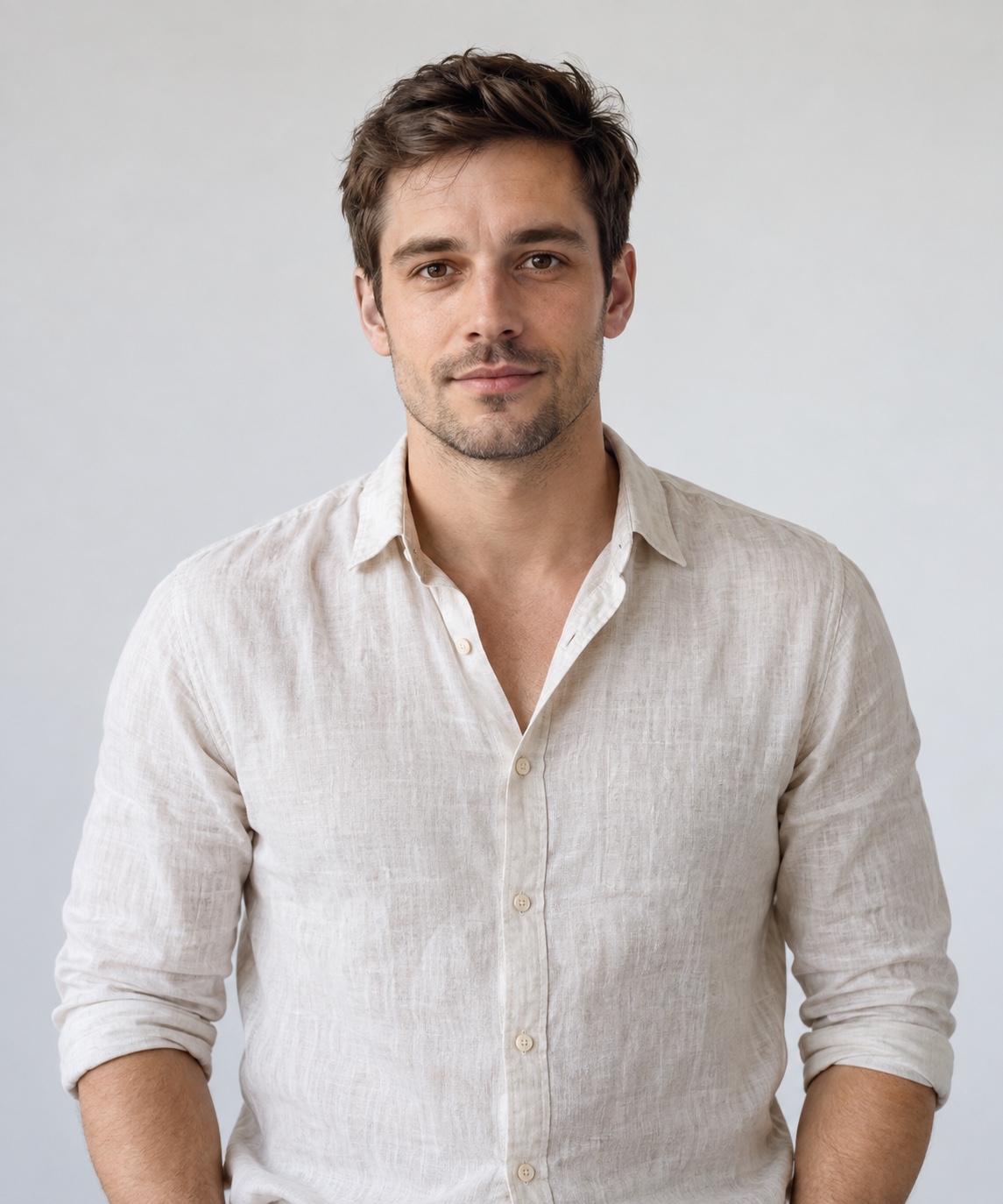
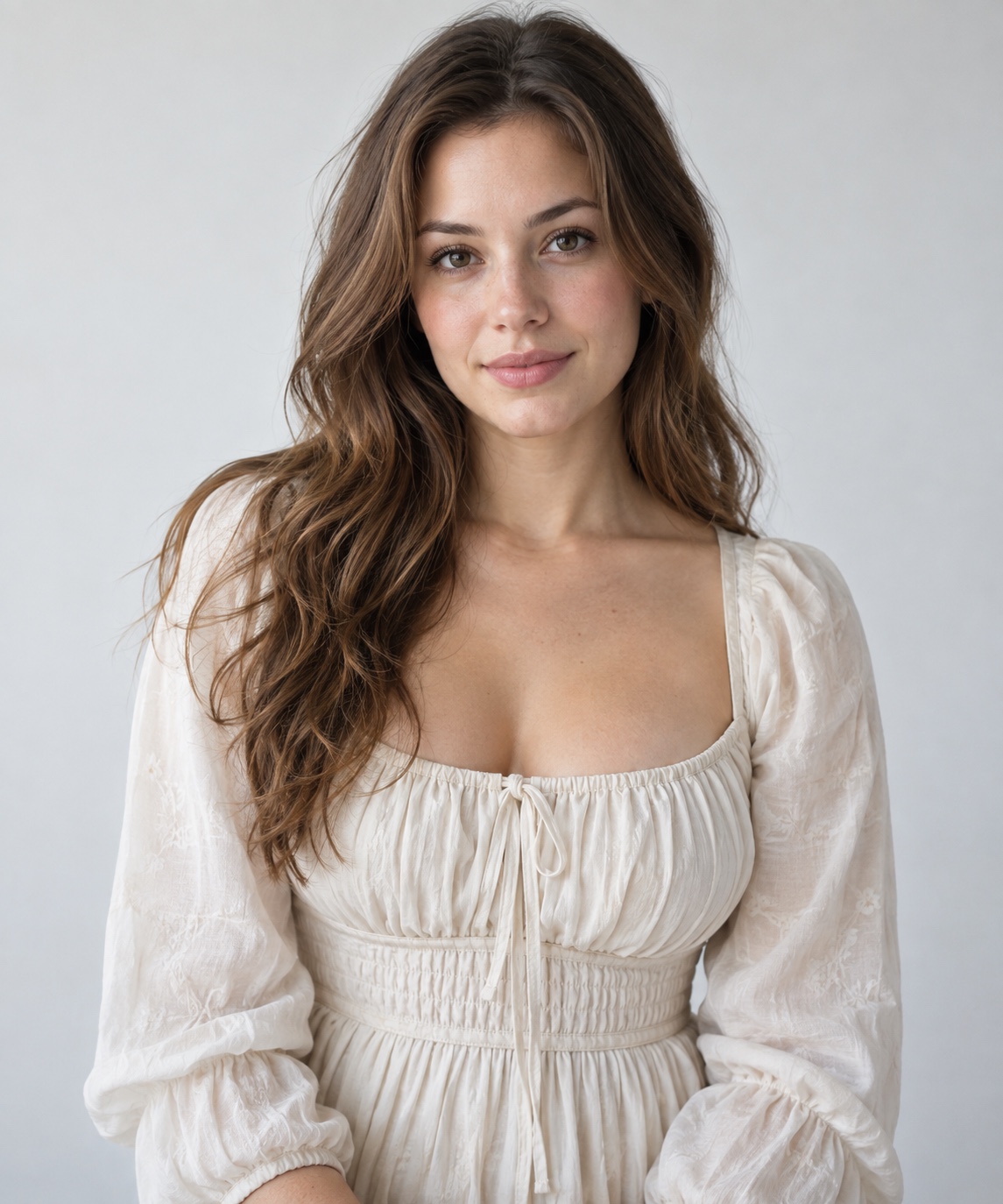
An actual video generated from these two reference photos. The people are fictional AI characters; your result will vary with your photos. This is not footage from the original music video.
GET A BETTER FIRST TAKE
Try a sharper, front-facing photo in even light. Avoid filters, sunglasses, blurred faces and group photos.
That is expected. Add the official sound in your social app and adjust the start point. Availability depends on your account and region.
This is an original AI interpretation. Exact choreography and lip-sync are not guaranteed. Review your preview before posting.
BEFORE YOUR FIRST TAKE
Photos in. A new scene out.
Here’s what to expect.
Yes. Generate and download one free 5-second, 720p preview per browser every 24 hours, while daily capacity lasts. No subscription or card is required.
No. Upload photos, generate, and preview the result on this page in your mobile or desktop browser.
Yes. Select Duet and upload one separate, clear photo for each person. Get permission from everyone shown.
No. The MP4 has no audio. Add the song through TikTok or Reels where it is available for your account and region.
This tool creates a new pier scene with gentle performance and camera movement. Exact choreography, mouth timing, facial likeness and clothing are not guaranteed.
It depends on the provider queue and can take several minutes. The studio shows the actual task state. Return in the same browser to check your clip.
You will see an error and can try another photo. Failed attempts do not use your daily preview allowance.
Photos are sent to KIE’s temporary upload service, where uploaded files expire after 24 hours. The finished video is available on this site for 7 days. Download it if you want to keep it.